Fluid Wave Scroll & Gentle Bounce
As your thumb glides down the list, nearby apps softly lift and curve into view—carrying your momentum forward and settling with a gentle bounce at the edges.
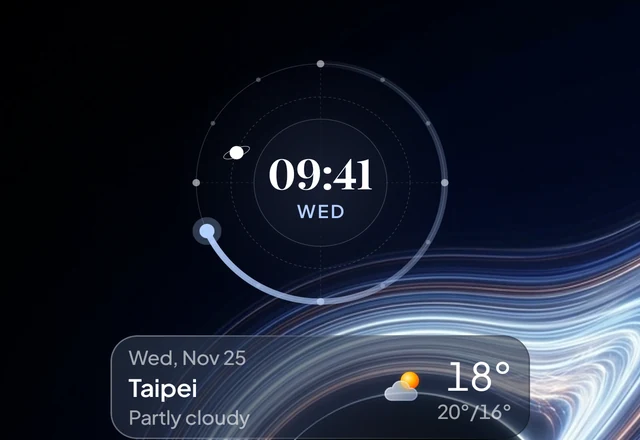
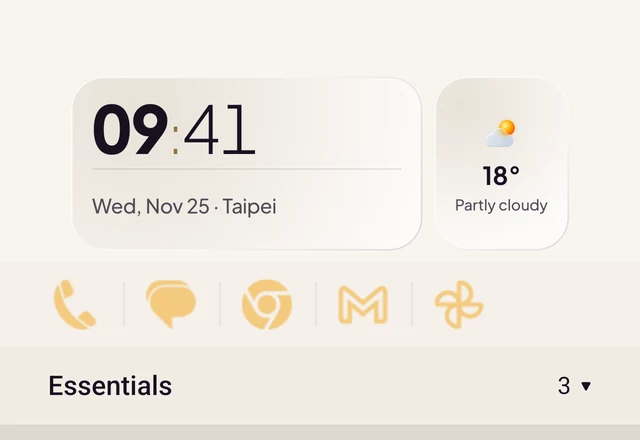
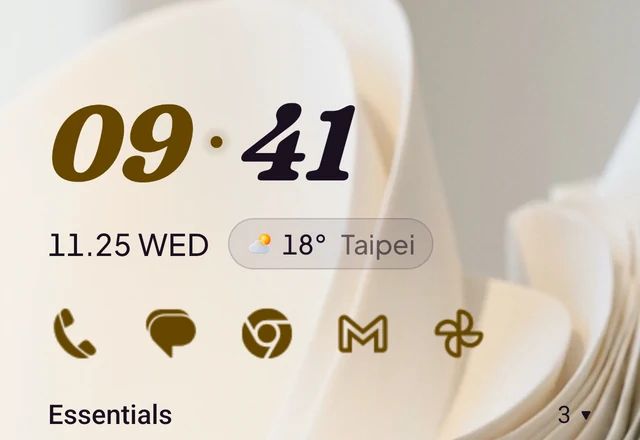
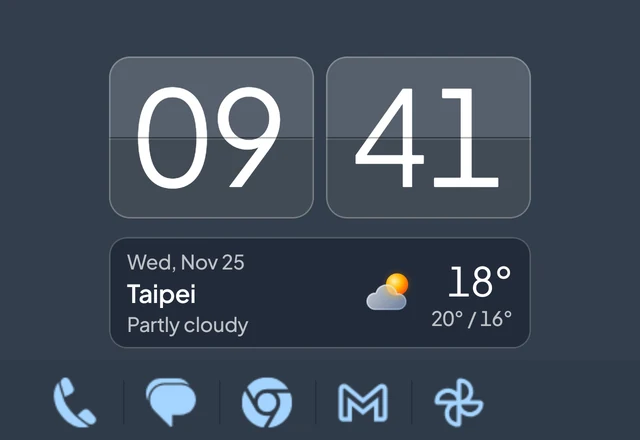
50+ curated wallpapers, 15 horology & editorial clocks, and hand-tuned color ramps—crafted for calm, one-handed speed.
No credit card required · Automatically reverts safely to Free · Settings stay saved
Watch Vellum Home in action, or switch to the interactive demo to feel the wave scroll and spring-loaded app groups right under your thumb.
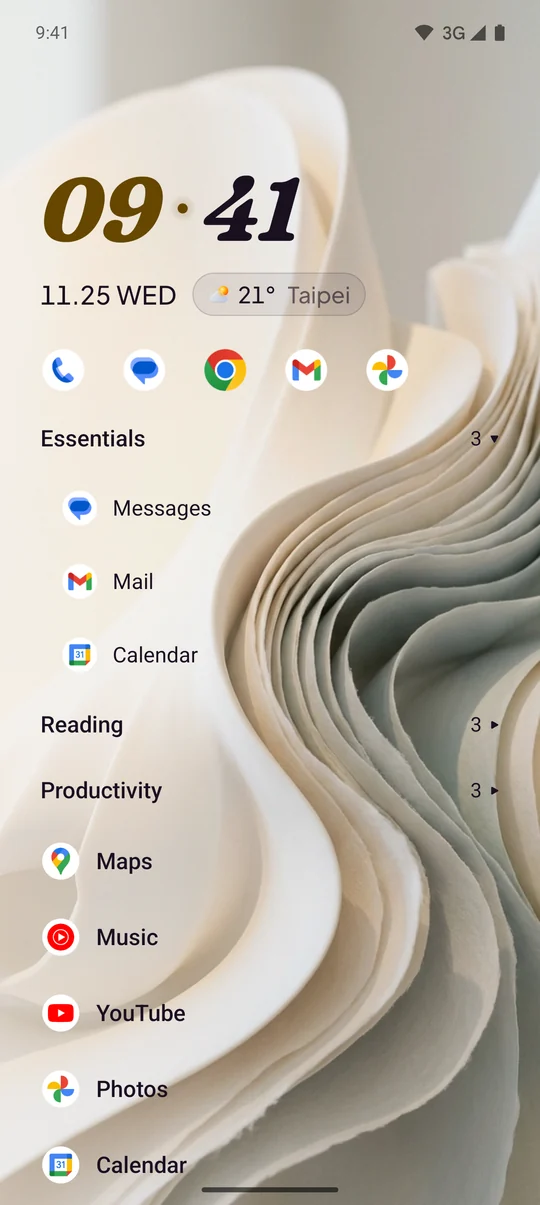
As your thumb glides down the list, nearby apps softly lift and curve into view—carrying your momentum forward and settling with a gentle bounce at the edges.
App groups open and close with a crisp spring feel, stepping smoothly into deeper shades. When collapsed, member icons appear right beside the group title—so you can launch your favorite apps in a single tap without even opening the folder.
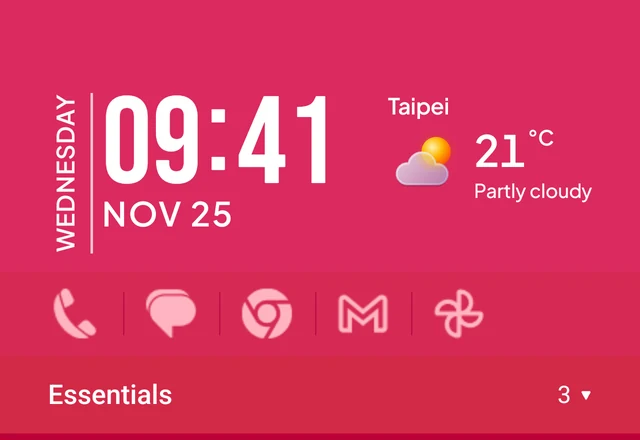
Every screenshot below is captured live from Vellum Home—switch effortlessly between familiar Original color icons or wallpaper-harmonized Tinted & Monochrome styles across 7 categories and 12 color ramps.
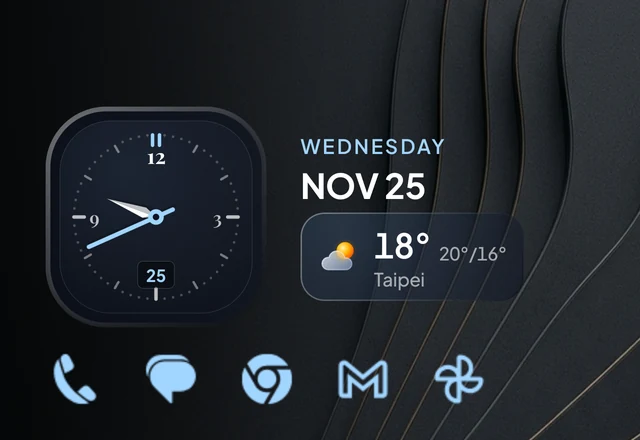
Mechanical watch dials, astrolabe orbits, liquid frosted glass, and poster typography—toggle between Duotone, Tint, and Mono to see how each clock adapts across backdrops.
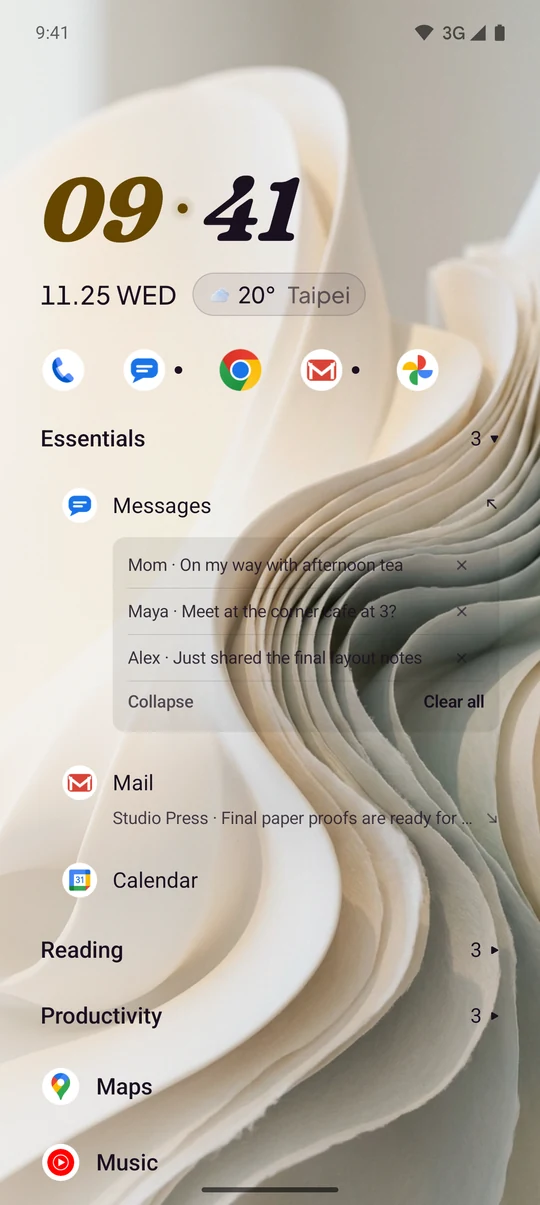
See unread dots at a glance, reveal single-line message previews right under each app row, or tap the 45° diagonal indicator to expand an in-place drawer—all processed strictly in memory.
Choose whisper-quiet matching dots beside favorites and list rows, or turn on Dot & Preview to read the latest sender and message line right on your Home list.
Apps with active alerts show one clean ellipsis line below the title with a 45° diagonal indicator—while tapping the app name above still launches the app straight away.
Tap the summary row to expand up to 5 unread messages inside a soft frosted drawer, dismiss individually or clear all, and stay completely offline—sensitive lockscreen content is automatically masked.
Choose from curated editorial typefaces or import your own .ttf / .otf file. Apply across Home only (Hybrid) or the entire launcher.
Every color ramp is hand-tuned for perceptual balance so shades transition smoothly from top to bottom—always crisp and readable, never muddy.
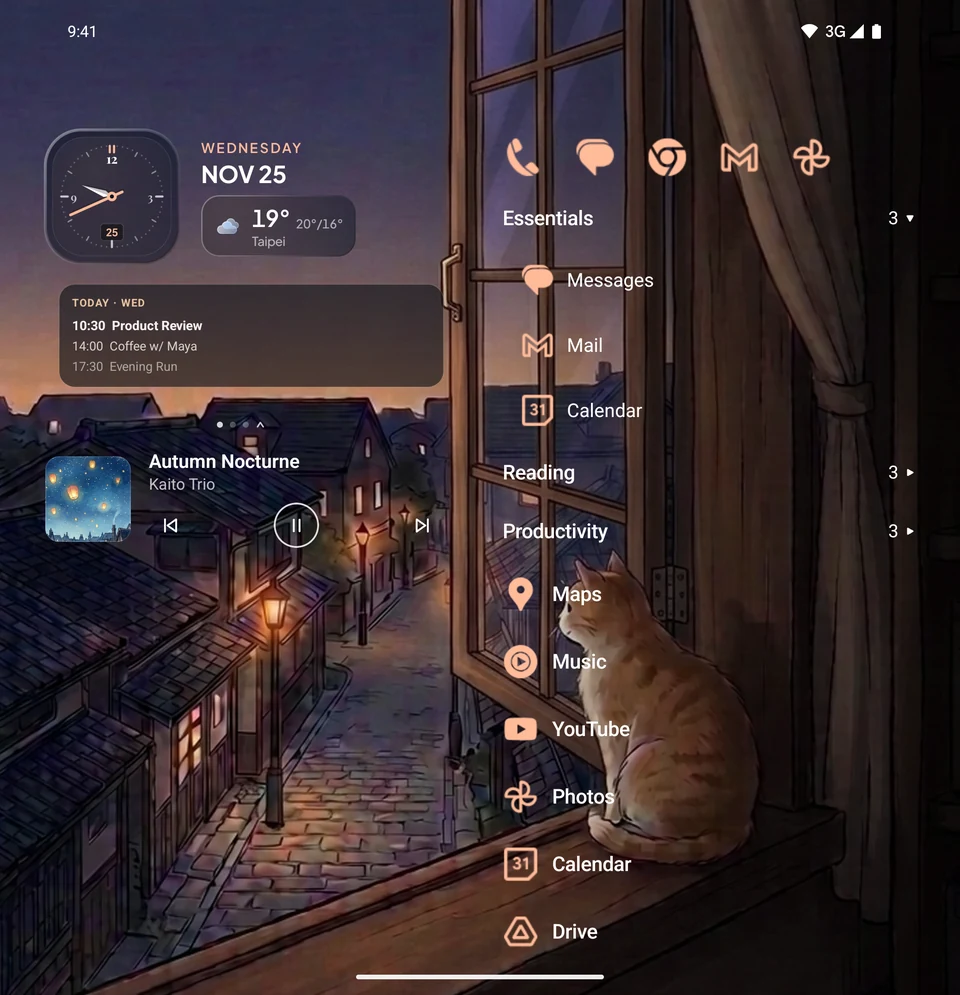
Switch between List on Right and List on Left. Your pinned favorites and launch list always travel together with the smart reading scrim, while your clock, widgets, and music player anchor the opposite page.
Everything you need for a fast, distraction-free Home screen.
Transparent local pricing shown directly in Google Play. Pay once for Lifetime—no recurring subscription.
.ttf / .otf font importNothing is billed because no card is ever collected. Vellum gracefully switches back to Free mode while preserving all your Pro choices under Saved · Pro—so if you unlock Yearly or Lifetime later, your exact clocks, fonts, and widgets return immediately.
No. Watch hands glide smoothly only for a brief moment when the minute changes, then stay completely still at rest—with zero continuous background rendering or unnecessary battery drain.
Cover screens use a tailored compact single-column view, while unfolding opens a true two-pane editorial spread. You can flip between List on Right and List on Left anytime, keeping favorites and your launch list paired together while the reading scrim follows automatically.
Yes. Pro lets you import any .ttf or .otf font from your device, and all pinned apps, groups, custom labels, and backups stay stored privately on your phone with zero cloud tracking.
Vellum Home includes complete native translations and regional date formats across 9 languages: English, 繁體中文, 简体中文, 日本語, 한국어, Deutsch, Español, Português (Brasil), and Français.
Never. Notification access runs only in temporary memory on your device—message previews are never written to storage, logged, or uploaded. If you switch back to Dot only, cached text is cleared immediately from memory, and Android sensitive notifications automatically mask as a generic prompt.